Let’s start by covering the absolute basics.
(Note that this won’t be a take-people-by-the-hand-and-show-them-everything series, it will mostly focus on specialised topics that people will stumble on. Things like setting up and using emulators etc are taken for granted)

Table Of Contents
Choose your poison
Emulators with built in debuggers
STEem Engine - The Boiler Room
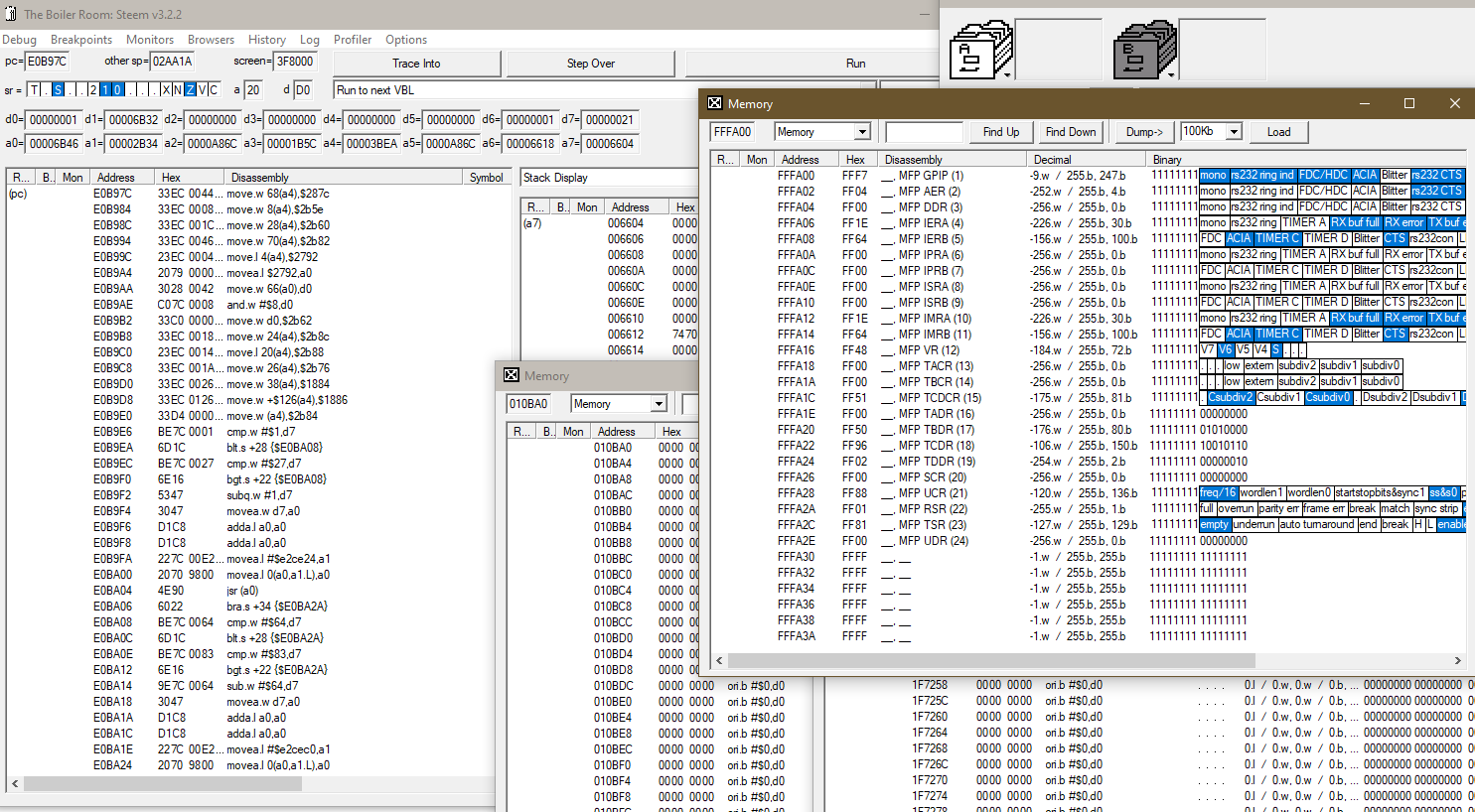
For a long time the de facto standard in ST debuggers.
Get v3.2 from here - usage guide here
hrdb (Hatari Remote Debugger GUI)

Up-and-coming contestant to The Boiler Room, it fills a gap for Linux and Mac users. Heavily influenced by The Boiler Room but packs a lot of unique features of its own.
Get it from here or read about its usage here
Native debuggers (running on actual hardware or emulators)
MonST 2
Very popular debugger, many people still prefer it over v3. Download
MonST 3
v3 brought over some improvements. Download
Bugaboo 1.7.14
Quite unique debugger mixing CLI and GUI with many features including reset proofness and retaining system vectors. Download, and also this handly little program that can relocate bugaboo to user defined higher parts of ram. Usage guide here
Bugaboo 1.2.6 (patched for STE)
An earlier version, patched for STE. It is lighter than the latest official version and easier to use. Download
Bugaboo F0.2d (patched for Falcon)
Patched by a lot of people for Falcon machines. Download
Easyrider 4
Very versatile disassembler. Not strictly a debugger, it is however a very handy tool to have. Download
How to actually get started
After setting up, proabably the biggest hurdle is to properly get started: How does a program load? How to stop emulation at the correct point?
All software fall into two categories: They either have a valid GEMDOS file system (thus we can load a TOS executable), or they use a custom file system that loads from the boot sector.
A few ways to achieve the above (by no means an exhaustive list):
Bootsector load
For emulators this is slightly tricky at first sight, since (to my knowledge) there is nothing exposed from TOS where the bootsector is loaded, and this is different across TOS versions. A very simple way to determine this is to let a disk boot with a known bootsector and then scan the low RAM until its contents are found. For TOS 1.62 at least that magic address is $185C. So if we set a breakpoint there before the disk boots
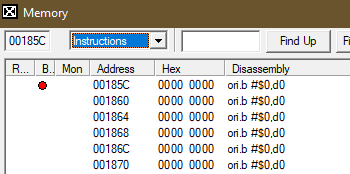
and then we start execution

we will get a nice breakpoint immediately before the bootsector is executed. Job done.
More civilised debuggers like Bugaboo actually have commands to read and write to the floppy disk at a sector level. So, by issuing a readsector 0,1,0,pc at the prompt

and running the command
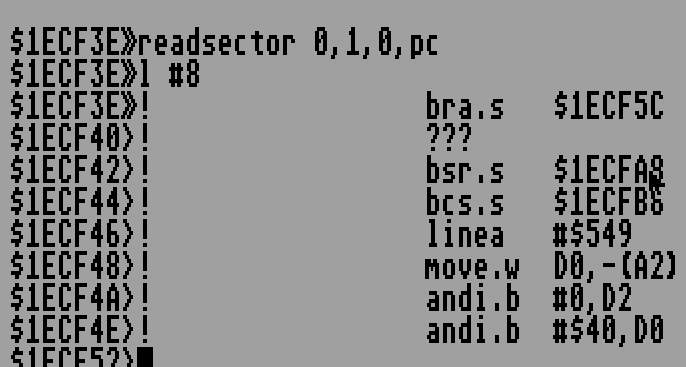
will achieve the same result as above.
TOS program load
Much easier with emulators. On STEem just enable “Stop on next program run”
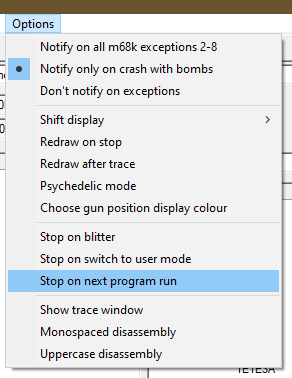
and then load your binary from GEM or AUTO folder.
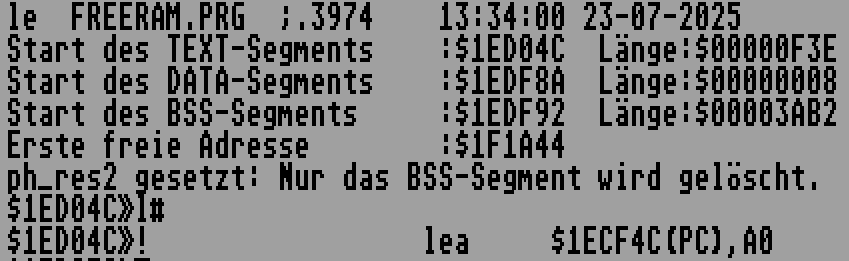
On Bugaboo, similarly use the “LE” command in the prompt and you’re done.